


B2B invoice payment system for your eCommerce platform
Use Clarity Ventures for a B2B invoice payment system that gives customers one place to find, check and pay their invoices.
Invoices sit in the user dashboard alongside every order, including those placed through your sales team, CRM or ERP.

More than a request for payment
In the user dashboard, an invoice is the billing step after a sales order is fulfilled. A B2B invoice payment system also answers harder questions: which discounts apply to this customer, which buyers have paid on a split order, where an international transfer stands, and whether handling charges were added.
One order history, wherever the order came from
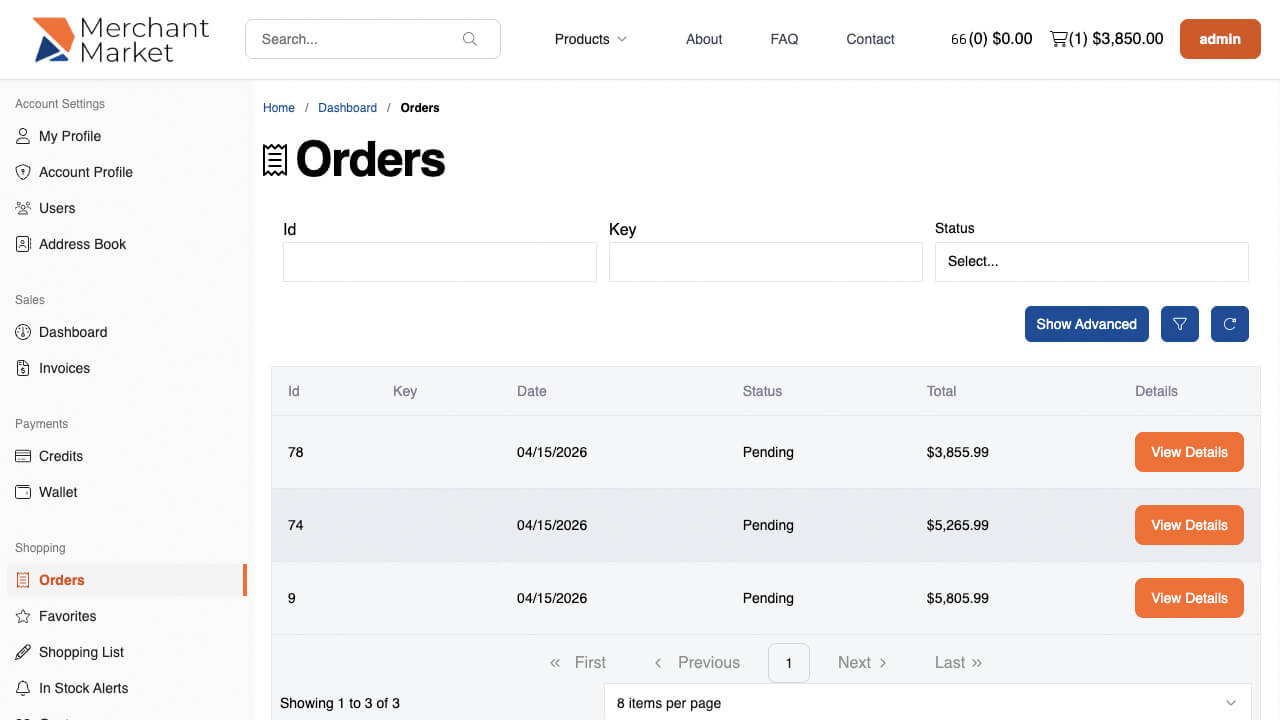
Orders often happen outside the eCommerce platform, through a sales team, a convention or point-of-sale, and land in your CRM or ERP. The platform brings them together so each user sees one order history, with invoices in the same dashboard. Grid and list views show line items, dates, amounts and payment status.
Find any invoice without waiting
Customers see the amount due, the due date and any charges for paying late. Sub-invoices expand and collapse in the grid or list without opening a detail view. Invoices can be searched by line-item title and description, then filtered by date range, status or destination.

Automated invoicing for B2B eCommerce workflows
Customers can pay a single invoice, a sub-invoice or several at once, usually without contacting anyone. Payment can then trigger your own workflows: keep the invoice out of collections, send paid-in-full notices to the rep and the customer, and lift an account hold so new orders can go through.

Invoices that carry the documents behind the order
An invoice can link back to master plans, so a manufacturer of customized vehicles can attach an exploded view of the original item and its possible add-ons. Line items tied to a kit keep the kit's instructions and documentation with them.
Questions
Does the invoice show where fulfillment stands?
Where it applies, the invoice includes a chronological view of the fulfillment steps, with any custom statuses for your workflow and notices about fees or due dates.
What else can customers do from an invoice?
Invoice and sales-order details link to related actions, such as checking that a subscription will auto-renew, viewing PHI on the privacy tab, or assigning digital purchases like a seat in a course.
See B2B invoicing on your own workflow
Tell us how your customers order and pay today. We'll show you how the invoice modules fit that workflow in a demo.
Book a demo