


ACH and eCheck, a first-class Payment Hub method
ACH (Automated Clearing House) is the U.S. network that moves money directly between bank accounts, the same rails used for payroll direct deposit, tax refunds, and recurring utility bills. When a merchant accepts a payment over the ACH network instead of a card, there is no card interchange on the transaction and no card expiry to manage. "eCheck" is the informal name for the web-initiated flavor of the same underlying rails.
For AR teams in B2B distribution, manufacturing, healthcare, nonprofit, education, government, professional services, and subscription businesses, that difference is one of the largest unit-economics levers available. But ACH only pays off if it's presented to customers cleanly, authorized correctly, tokenized securely, and wired into the ERP the same way card payments are. Most of what goes wrong with ACH acceptance comes from treating it as a separate off-to-the-side process rather than a first-class payment method in the checkout.
Clarity Payment Hub treats ACH / eCheck as one option among many in the same branded portal and checkout. Customers see a single "Bank Account" payment method, enter their routing and account number once (or pick from a saved token on repeat visits), and Payment Hub handles the NACHA SEC code selection, the authorization capture, the tokenization at your gateway's vault, the ERP posting, and the return-code handling, consistently across every supported gateway underneath.
The Missing Link Between Payments and Your ERP
Clarity Payment Hub closes that gap, connecting your orders, invoices, and payment channels into one flow.
How Payment Hub processes ACH
From a merchant's perspective, ACH in Payment Hub works identically to card acceptance, the method appears in the portal, the customer authorizes, the transaction happens, the ERP posts. Underneath, Payment Hub handles the NACHA-specific work.
- One method in the checkoutCustomers see a single "Bank Account" or "ACH / eCheck" option alongside card and wallet methods. Same branded portal, same checkout component, Payment Hub routes the transaction to your gateway's ACH rail under the hood.
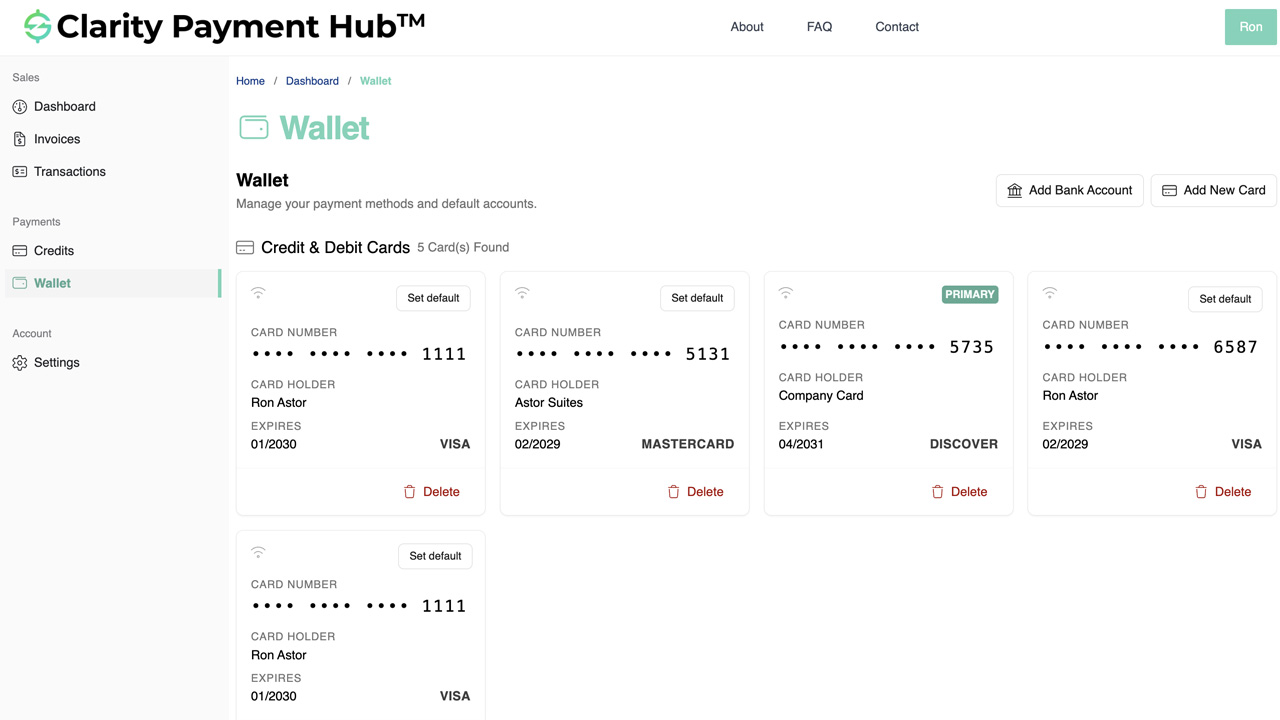
- Tokenization at the gateway vaultRouting and account number are tokenized immediately at your gateway's PCI-scoped vault, the same infrastructure that holds card tokens. Subsequent charges reference the token, not the account number. Your servers and Clarity's never store raw bank credentials.
- Authorization capture (NACHA)Every ACH debit requires NACHA-compliant customer authorization. Payment Hub captures the authorization, electronic signature, click-to-authorize with timestamp and IP, or imported written mandate, and stores the audit trail so you can produce it in a return dispute.
- Real-time ERP posting + return-code syncWhen the ACH submits successfully, Payment Hub posts the cash receipt to your ERP immediately, like a card authorization. If the transaction returns (NSF, account closed, authorization revoked), Payment Hub receives the return code from the gateway and updates the ERP automatically, re-opening the invoice and alerting AR.
Payment Hub handles the operational details you normally don't want to think about: same-day ACH cutoff times, holiday calendars, CCD vs CTX addenda records for corporate transactions, NSF re-presentment rules (up to two attempts within 180 days per NACHA), and return-code-driven workflow updates. Your AR team sees clean cash application and exception queues. The NACHA mechanics stay under the hood.
ACH payment processing in your ERP
ACH only helps if the payment lands on the right invoice. Payment Hub posts each ACH payment to your ERP the same way it posts a card:
- Epicor Eclipse payment processing: waterworks and utility distributors paying large project invoices by bank.
- Epicor Prophet 21 payment processing: ACH and eCheck on the same cash receipt posting as cards.
- Epicor Eagle payment processing: contractors paying big monthly statements by bank, posted as Received On Account.
- Epicor Kinetic payment processing: scheduled installments on large manufacturing invoices.
- Epicor E10 payment processing: ACH beyond the select partners E9 and E10 offer, posted as CashHead receipts.
- Infor SyteLine payment processing: same-day ACH, NACHA validation and returns handling for project invoices.
- SYSPRO payment processing: bank payments receipted into the right SYSPRO Company.
- Sage 100 payment processing: ACH beside cards on the same portal, posted as AR Receipts.
- NetSuite payment processing: ACH on the same pay-now links and portal as cards.
- Sage Intacct payment processing: subscription and retainer customers paying by bank, posted as AR Payments with their dimensions intact.
- Acumatica payment processing: bank payments next to cards in the portal and on every pay-link.
- Business Central payment processing: ACH on the portal and on pay-now links in printed and emailed invoices.
- Dynamics GP payment processing: the same portal for bank payments on GP and after you migrate.
- Dynamics 365 Finance payment processing: each ACH payment posted as a payment journal with its method of payment.
- Odoo payment processing: ACH beside cards on one portal, whatever payment providers you use.
- Sage 300 payment processing: ACH for North American Companies, posted to Sage 300 AR.
- Sage X3 payment processing: ACH for U.S. Companies, and SEPA Direct Debit where that is the local norm.
- SAP Business One payment processing: bank payments posted through the Service Layer as incoming payments.
- SAP S/4HANA payment processing: ACH for North American customers alongside SEPA Direct Debit in Europe.
- Dynamics NAV payment processing: ACH in the U.S. and SEPA Direct Debit across the euro area.
All 25 ERP integrations are on the Payment Hub integrations page.
NACHA compliance and SEC codes
Nacha (formerly the National Automated Clearing House Association) sets the rules for how ACH transactions must be authorized, formatted, and classified. The classification is called a Standard Entry Class (SEC) code, and choosing the wrong one is one of the more common ACH implementation mistakes. Payment Hub picks the right SEC code per transaction based on origin and type.
- Web-initiated consumerWEB A consumer enters their bank details on your website and authorizes the debit online. Used for most one-time and recurring consumer payments via the customer portal.
- Telephone-initiated consumerTEL A consumer gives bank details over the phone to your AR staff. Used for MOTO consumer flows (healthcare front-desk calls, education late enrollment, nonprofit phone-in gifts).
- Prearranged Payment / DepositPPD Consumer recurring with written or electronic authorization on file. Used for subscription, membership, tuition, and healthcare payment plans.
- Corporate Credit / DebitCCD Business-to-business ACH transactions between corporate entities. Used for B2B distribution, manufacturing, and government-supplier AR.
- Corporate Trade ExchangeCTX B2B ACH with structured addenda records carrying remittance data (invoice numbers, amounts). Used for high-value B2B where the corporate customer needs machine-readable remittance info.
- Check-conversion codesARC / BOC / POP Used when a paper check is converted to ACH at the point of receipt. Less common for Payment Hub customers today, but supported where paper check acceptance still exists.
The practical implication: you don't need to know any of this in day-to-day use. Payment Hub picks WEB for portal payments, TEL for MOTO entries through your AR staff, CCD for confirmed corporate debits, CTX for large B2B transactions that need addenda remittance data, and PPD for recurring consumer, all automatically based on the context of the transaction. The SEC code shows up in the transaction record for audit and return-code reference, but it's not something AR staff manage per invoice.
ACH / eCheck in Payment Hub FAQ
The questions B2B AR, IT, and finance teams ask before turning on ACH acceptance in Clarity Payment Hub.
What's the difference between ACH and eCheck?
For merchant acceptance purposes, ACH and eCheck are essentially the same thing, both move money between U.S. bank accounts over the ACH network governed by NACHA. "eCheck" typically refers to the web-initiated flow where the customer enters their bank routing and account number directly, while "ACH" can also include backend batch processing, recurring debits, and corporate-initiated transactions.
How does ACH replace Net 30 terms?
Net 30 is essentially giving a customer 30 days of free credit, plus the cost of chasing them, plus the cost of carrying the receivable on your books. Authorized ACH auto-debit replaces that with a pre-authorized, tokenized pull from the customer's bank account on a scheduled date.
What gateways does Clarity Payment Hub support ACH on?
Every gateway in the Payment Hub library that supports ACH natively, which includes virtually all of them: Worldpay, Adyen, Cybersource, Fortis, Elavon, PNC Merchant Services, PayTrace, Nuvei, Authorize.Net, Braintree, Stripe, Global Payments, NMI, USAePay, and more.
What happens if an ACH transaction is returned (NSF, authorization revoked, etc.)?
Payment Hub ingests the return code from the gateway in real time and updates the ERP automatically, the invoice re-opens, the customer record shows the return reason, and an alert routes to your AR team. Common return codes include R01 (insufficient funds / NSF), R02 (account closed), R07 (authorization revoked), and R10 (unauthorized debit).
Can customers save their bank account for one-click re-use?
Yes, that's the default experience. Once a customer's bank account is tokenized at your gateway's vault, it appears in the customer's portal as a saved payment method alongside any saved cards. Repeat payments are one-click, and the authorization-on-file carries forward. AR staff can also charge a saved bank token on the customer's behalf through Virtual Terminal or admin views where enabled.
Related resources
Ready to put ACH in front of every invoice?
Book a 30-minute walkthrough and see your own vertical's ACH flow in action. Replace Net 30 with authorized auto-debit on distribution and manufacturing AR, run multi-year tuition and patient payment plans without card-expiry churn, give nonprofit donors recurring ACH that lasts for years, and cut card-processing costs on every invoice above your configurable threshold. Live in 48 hours across every supported gateway and 25+ ERPs.
Book a Live Demo